Which AI assistant is the most private?
The most private AI runs entirely on your own device, because nothing you ask leaves it. Among hosted assistants, the most private one sends the least, keeps it for the shortest time, does not train on it without your agreement, names who receives it, and asks before it sees or hears anything. The checklist below works on any assistant, including Ace, whose AI is hosted.

Free Play: 2,000 credits, no card. Ace by Black Label.
Start with where the AI runs
| Where the model runs | What leaves your device | Trade-off |
|---|---|---|
| On your own computer or phone | Nothing, for the answer itself | Needs capable hardware, and you manage the models |
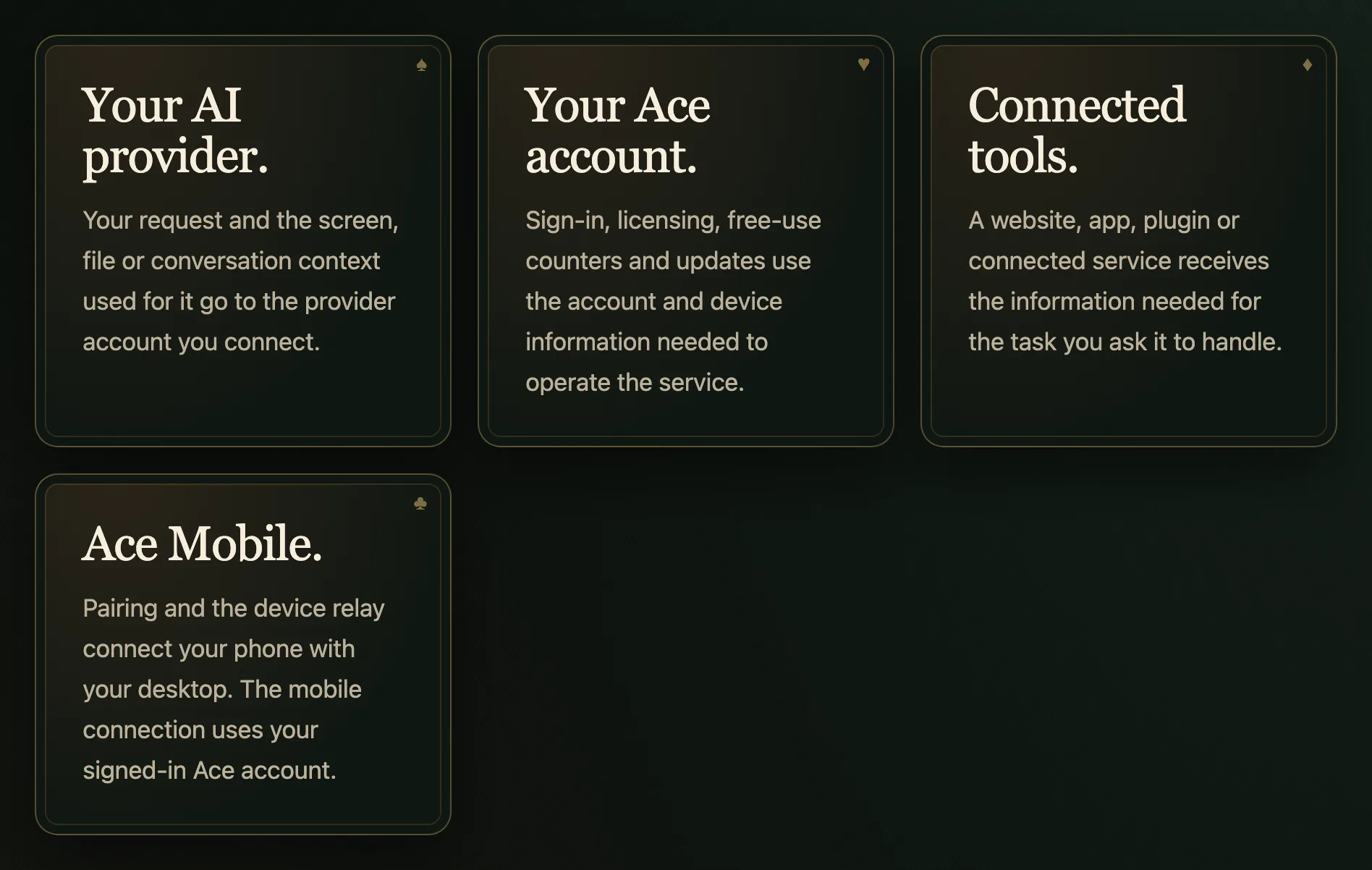
| On the app maker’s servers | Your request and its context, to the maker and its AI provider | You rely on their policies and settings |
| In your own AI provider account | Your request and its context, to that account | That provider’s settings and policies apply |
| Split between device and cloud | Only the requests the device hands off | You need to know which features go where |
Apple’s description of Apple Intelligence is an example of the split model: Apple says many tasks run entirely on the device, and that heavier requests can go to its Private Cloud Compute servers, where it says the data is not stored or made accessible to Apple.
Nine questions to ask any AI assistant
- Where does the model that writes the answers run?
- What exactly is sent with each request: the text you selected, a whole file, your screen, your voice?
- Who receives it: the app maker, a named AI provider, other service providers?
- Is it used to train or improve models, and can you switch that off?
- How long is it kept, and can you delete it?
- Can people at the company read it, and in what circumstances?
- Which permissions does the app hold (microphone, camera, screen, files, control of other apps), and can you revoke each one?
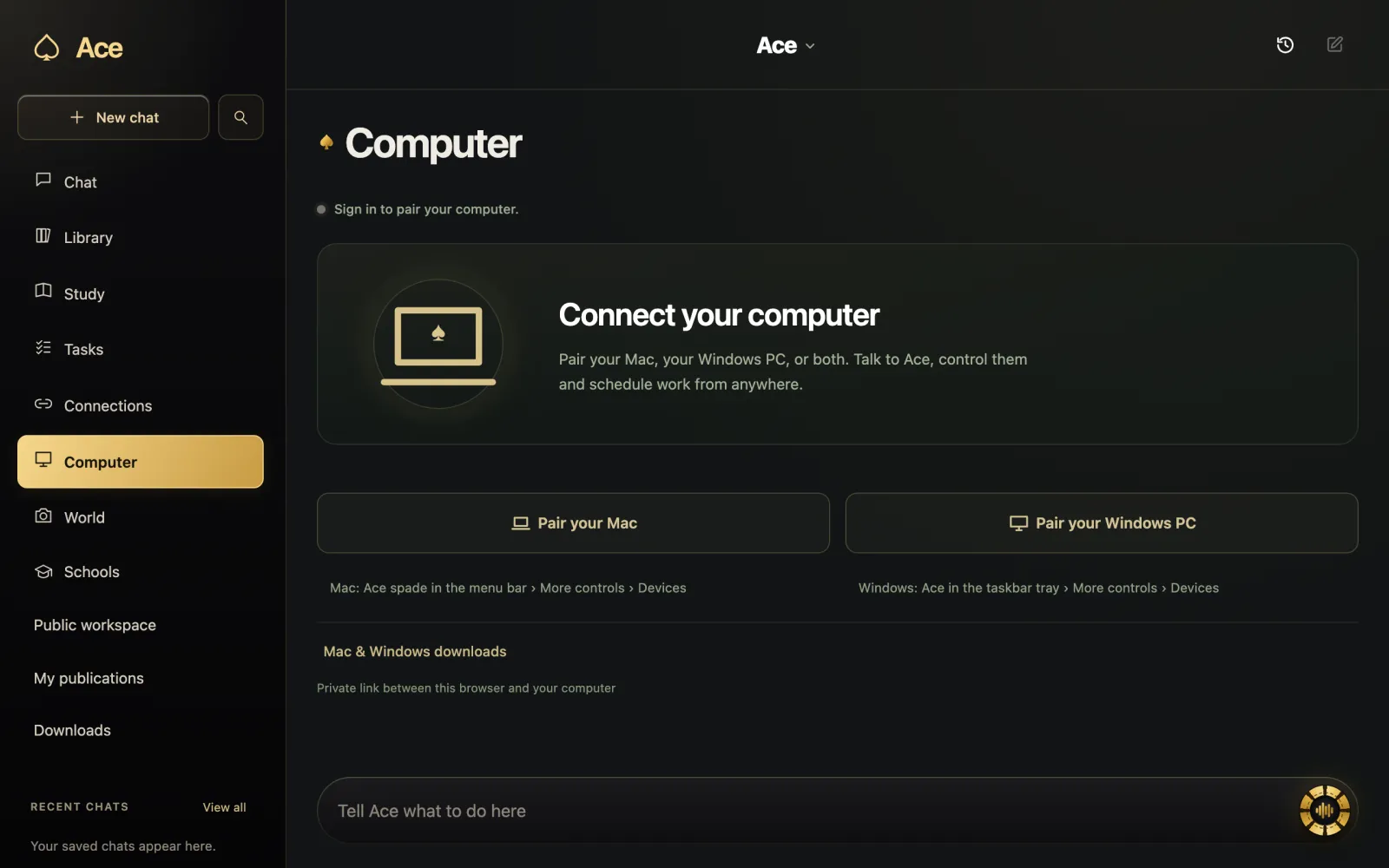
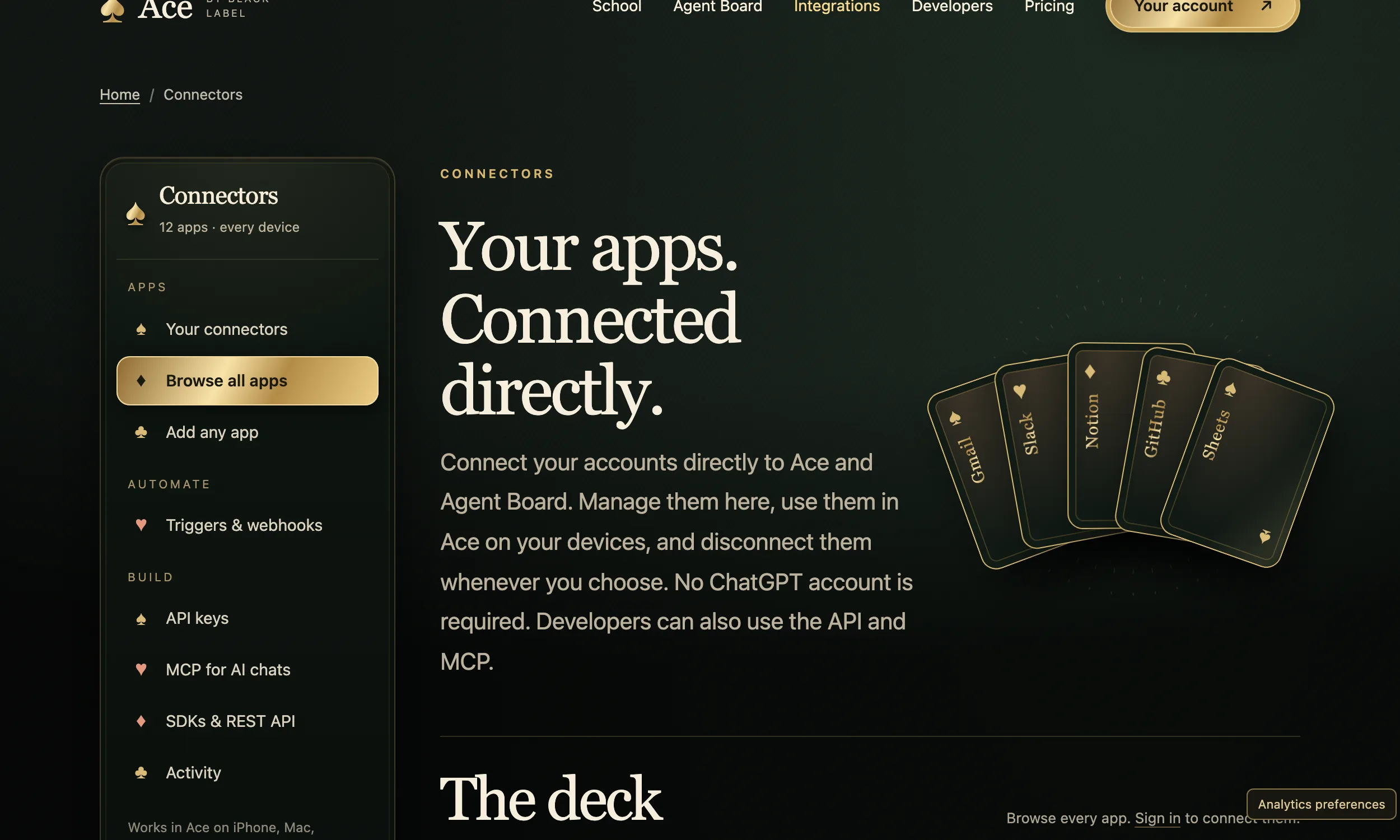
- Does it connect to your email, calendar or files, and how do you disconnect it?
- Who runs the company, and how do you reach them about your data?
Reading a privacy policy in ten minutes
Search the policy for a handful of words and read the paragraphs around them: “train” or “improve” for model training, “retain” for how long data is kept, “third part” and “provider” for who receives it, “sell” and “advertis” for other uses, and “delete” or “rights” for your choices. A useful policy names its AI providers and service providers instead of saying “partners”, says what each one receives, and gives an address for privacy requests. If you cannot find those answers, that is an answer too.
Red flags
- No named AI provider, only “trusted partners”.
- Broad permissions requested at first launch, before you have used a feature that needs them.
- The screen or microphone captured continuously by default.
- No way to delete your account or data, and no privacy contact.
- Privacy promises on the homepage that the policy itself does not repeat.
How Ace answers the checklist
This guide is written by the team that makes Ace, so here are Ace’s answers, taken from its published privacy policy, security page and data page.
- Where the model runs: hosted, not on your device, so asking needs an internet connection.
- What is sent: your request and the context used for it, such as selected text, a screen, a file or the conversation.
- Who receives it: Ace’s services, Cloudflare for hosting, and the AI provider for the feature; the policy names OpenAI for chat, voice audio and pictures. On Table Pass or Private Table, your own ChatGPT, Claude or Grok account answers instead.
- What stays local: files, recordings and work results are handled on your computer.
- Permissions: microphone, screen, files and app control each go through your operating system, and each can be revoked.
- Retention and deletion: records are kept as needed for your account and the features you use, and the policy says the period depends on the record and its purpose; access and deletion requests go to privacy@tryacee.com.
If you need the strictest privacy
Use a model that runs on your own hardware for material that must not leave it, and keep a hosted assistant for everything else. Keep separate accounts for work and personal use, connect only the services a task needs, and remove that access when the task is done. Most of privacy is a series of small choices about what you send, not a single product feature.
More from Ace
The full overview of how Ace handles privacy is on tryacee.com/private-ai.
Also asked
Is any AI chat completely private?
Only one whose model runs on your own device and that sends nothing else out. A hosted assistant has to receive your request to answer it; what matters then is who else sees it and for how long.
Is a paid AI plan more private than a free one?
Not automatically. Compare the data terms that apply to each plan rather than the price, and check the privacy settings available on the account you will actually use.
Who can see what I send to Ace?
Ace’s privacy policy names the parties: Ace’s own services, Cloudflare for hosting, and the AI provider for the feature, which is OpenAI for Ace’s hosted chat, voice and pictures. The policy says third parties that receive your information may use it only to provide the feature you asked for.
What does a privacy-focused AI assistant do differently?
It asks before it uses the microphone, camera or screen, sends only what a request needs, names the companies that receive it, and lets you revoke permissions and delete data.
Does Ace run its AI model on my own device?
No. Ace’s model is hosted, not on your device, so asking needs an internet connection. What runs on your computer is the app: files, recordings and work results are handled there. Each request carries your question and the context used for it, such as selected text, a screen, a file or the conversation.
What should I search for in a policy to find the most private AI assistant?
Search the privacy policy for “train” or “improve” for model training, “retain” for how long data is kept, “third part” and “provider” for who receives it, “sell” and “advertis” for other uses, and “delete” or “rights” for your choices. Then read the paragraphs around each match. If you cannot find those answers, that is an answer too.
What are the warning signs that an AI assistant is not private?
Watch for an assistant that names no AI provider, only “trusted partners”; broad permissions requested at first launch, before you have used a feature that needs them; the screen or microphone captured continuously by default; and no way to delete your account or data, with no privacy contact.
What should an AI assistant’s privacy policy tell you?
Who receives your data, by name. A useful policy names its AI providers and service providers instead of saying “partners”, says what each one receives, and gives an address for privacy requests. Ace’s policy, for example, names Cloudflare for hosting and OpenAI for chat, voice audio and pictures.
How long does Ace keep my data?
It depends on the record. Ace keeps records as needed for your account and the features you use, and its privacy policy says the period depends on the record and its purpose. Connected providers apply their own retention terms. Access and deletion requests go to privacy@tryacee.com, and some transaction, security or legal records may need to be retained.
Should I use separate AI accounts for work and personal use?
Yes, if you need the strictest privacy. Keep separate accounts for work and personal use, connect only the services a task needs, and remove that access when the task is done. For material that must not leave your hardware, use a model that runs on it, and keep a hosted assistant for everything else.
Who runs Ace, and where do I send a question about my data?
Ace is made by Black Label Tec, a software company in Gulf Shores, Alabama, founded by Michael Barber, and the privacy policy names Michael Barber as the person who operates Ace. Questions about the policy or your information go to privacy@tryacee.com, which also takes access, correction and deletion requests.
More questions
Deal yourself in.
More about Ace
Sources
- Apple Intelligence and privacy on Mac - Apple Support, Apple Support. Checked November 14, 2026.