What leaves your computer when you use a private AI chatbot?
An AI chatbot installed on your computer still sends each request to the model that answers, unless that model runs locally. In Ace, files, recordings and work results are handled on your computer, while each request and the context used for it go to the AI that answers. Your Ace account, any connected tools and phone pairing make their own connections, each listed below.

Free Play: 2,000 credits, no card. Ace by Black Label.
A local app is not a local AI
Installing an assistant puts the app, its settings and its records on your computer. It does not mean the answers are computed there. Ace’s privacy policy makes the point directly: local storage does not mean that a hosted or connected AI request stays on that device. For any chatbot that calls itself private, the useful question is what each request carries and where it goes.
The four connections Ace makes
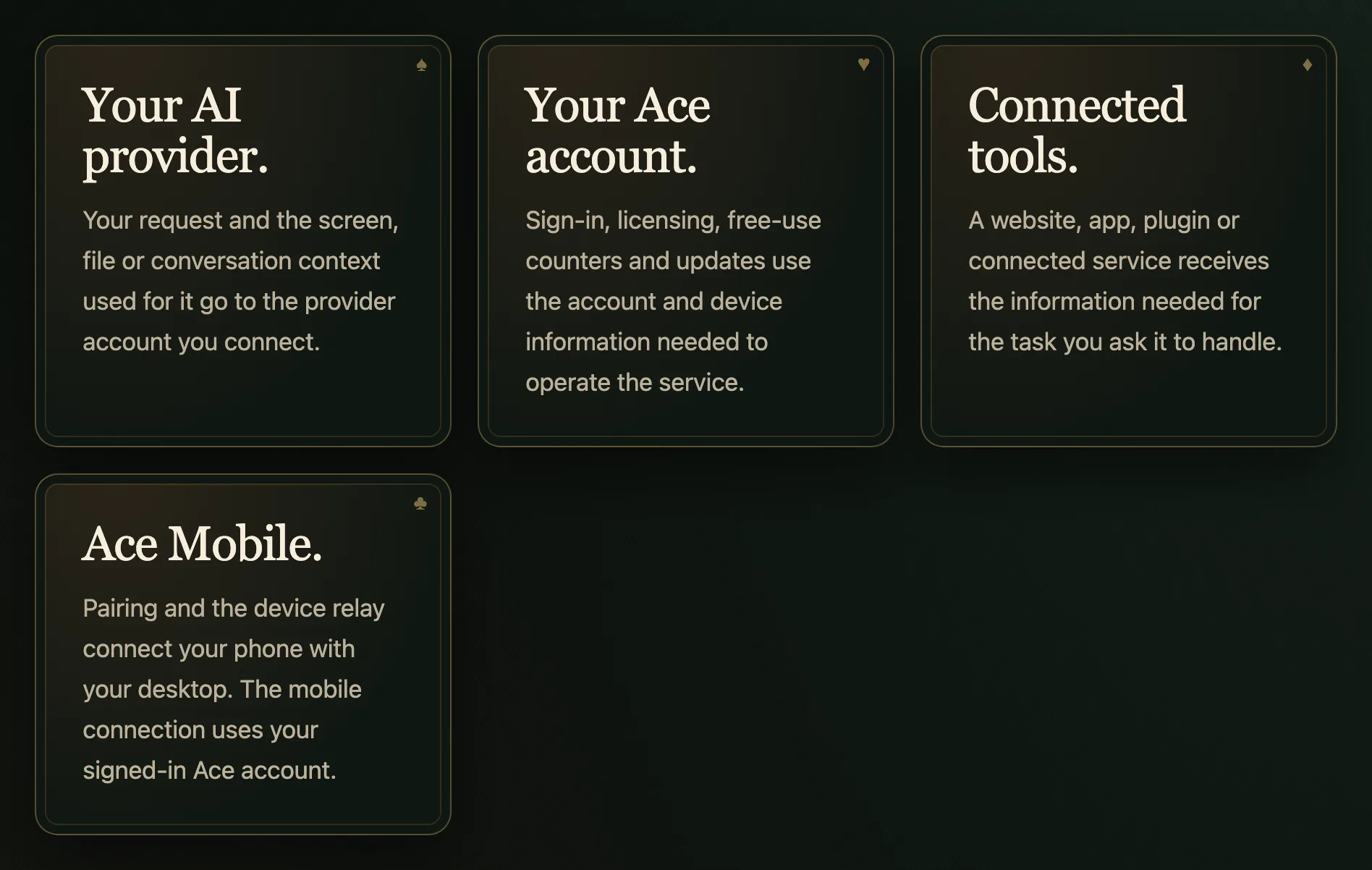
Ace’s data page at tryacee.com/wire lists four, says the request determines the connection, and applies the same boundaries on Mac, Windows and Linux.
| Connection | What it carries | When |
|---|---|---|
| Your AI provider | Your request and the screen, file or conversation context used for it | Each time you ask |
| Your Ace account | Account and device information for sign-in, licensing, free-use counters and updates | At sign-in, for updates and usage counts |
| Connected tools | The information a connected website, app or service needs for the task | When you ask one to do something |
| Ace Mobile | Pairing and relay between your phone and your desktop, through your signed-in account | When you use the phone with the computer |
Five requests, traced
- You select a paragraph and ask for a simpler version: the selected text and your question go to the AI that answers.
- You ask about your screen: a capture of the screen goes with the question, at that moment only.
- You ask out loud: for hosted voice, your microphone audio and the conversation context go to OpenAI, the provider Ace’s privacy policy names for voice.
- You ask about a photo from your phone: the picture you chose goes to Ace’s services and the provider that answers.
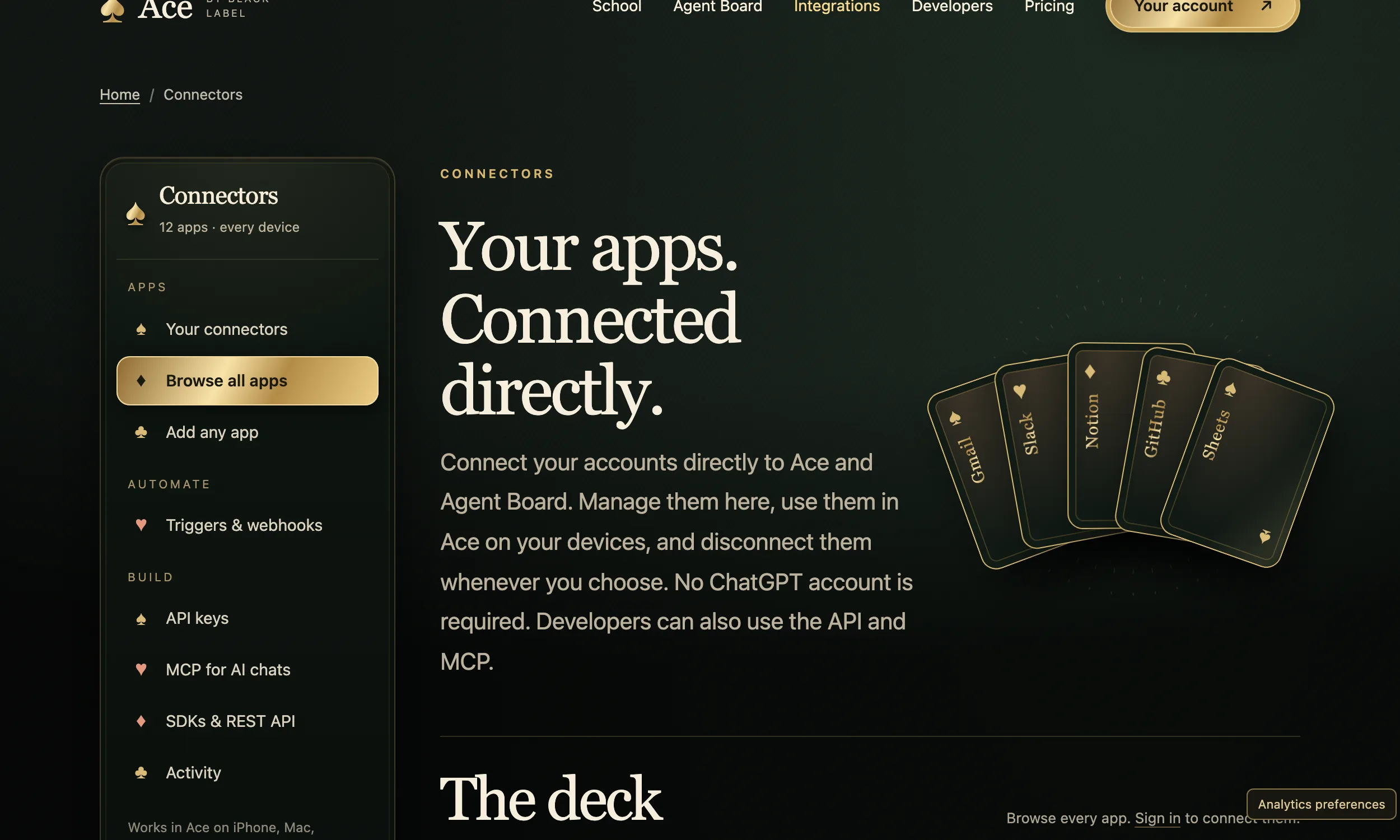
- You ask about your Gmail through a connected Google account: Ace calls Google’s API directly, and the email content the request needs can be included in what goes to the AI.
- You save a scheduled card: Ace’s server runs it at the time you chose, even when your phone is off, using the apps you connected. That one happens away from your computer by design, and you can turn the schedule off or delete it.
If you want the model itself on your computer
A chatbot whose model runs on your own hardware is a different kind of product: nothing you type travels, and in exchange you supply the computing power, download the models and accept smaller ones. Ace does not work that way; its app is local and its AI is hosted. The offline guide on this site compares the two approaches side by side.
What stays on your computer
Files, recordings and work results are handled on your computer, and local app records can remain on the device. Ace’s security page adds the honest caveat: a request can use the context or service needed to complete the task. That is why choosing the context for each request matters more than any single setting.
Sending less without losing much
- Select the paragraph you need help with instead of asking about the whole document.
- Leave screen access off until you have a question about the screen.
- Type when you would rather not send audio.
- Disconnect accounts you no longer use; for Google, disconnecting in Ace removes the stored connection and tokens.
- Prefer your own provider’s terms? Table Pass and Private Table run Ace on your own ChatGPT, Claude or Grok subscription.
Account, website and payment records
Some records exist because there is an account at all: sign-in records, purchases, credit balances and usage. On Ace’s websites, PostHog measures page views and interactions with every form field masked in recordings, and the account, sign-in, checkout and download pages load no website analytics. Cloudflare provides hosting and storage, and the policy notes that providers may process information outside your country.
More from Ace
The full overview of how Ace handles privacy is on tryacee.com/private-ai.
Also asked
Are my files uploaded?
Files are handled on your computer. When you ask about one, the request and the context you give it go to the AI that answers.
Can it answer without an internet connection?
No. Ace’s AI is hosted, so every answer needs a connection, even though the app runs on your computer.
Who is the AI provider?
For Ace’s hosted AI, the privacy policy names OpenAI for chat messages, voice audio and the pictures you choose. On Table Pass or Private Table, it is your own ChatGPT, Claude or Grok account.
How do I get my data deleted?
Email privacy@tryacee.com for access, correction or deletion. Ace may verify that the account is yours, and some transaction, security or legal records may have to be kept.
Does a private AI chatbot on your computer compute its answers there?
Not necessarily. Installing an assistant puts the app, its settings and its records on your computer, but that does not mean the answers are computed there. Ace’s privacy policy says local storage does not mean that a hosted or connected AI request stays on that device. The useful question is what each request carries and where it goes.
What does Ace send when I ask about my screen?
A capture of the screen goes with your question, at that moment only. Ace looks at your screen only when you ask, after you allow screen access, and it does not watch the screen all the time. Leave screen access off until you have a question about the screen, and switch it off at any time.
Where does my voice go when I talk to Ace out loud?
For hosted voice, your microphone audio and the conversation context go to OpenAI, the provider Ace’s privacy policy names for voice. Opening the app or signing in does not itself start a voice call. The microphone goes through your operating system’s own permission prompt and can be turned off, and you can type when you would rather not send audio.
Does connecting Gmail send my whole inbox to the AI?
No. Connecting an account does not by itself send all of its contents to an AI provider. When you ask about your Gmail through a connected Google account, Ace calls Google’s API directly, and the email content that request needs can be included in what goes to the AI. Disconnecting Google in Ace removes the stored connection and tokens.
How does Ace Mobile connect my phone to my computer?
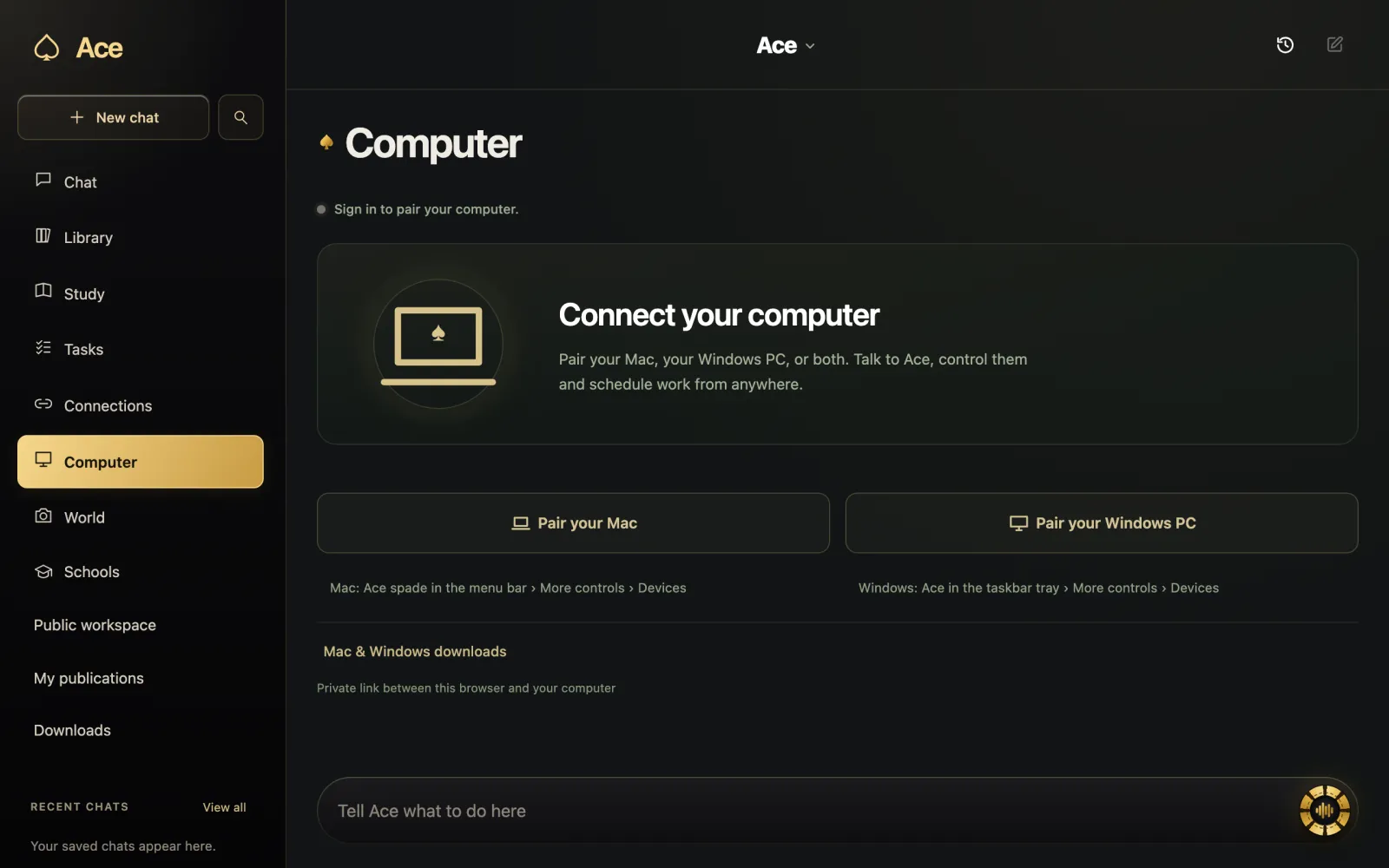
Through your signed-in Ace account. Pairing and the device relay connect your phone with your desktop, and optional computer pairing uses device and connection records to route the tasks or screen context you choose to the paired computer. Phone chat, hosted voice and selected-image questions can work without a paired computer.
What do Ace’s websites record when I visit them?
PostHog measures page views on Ace’s websites and may record clicks and other page interactions, session replays of page layout, scrolling and clicks, heatmaps and browser errors. Every form field is masked in recordings, and the account, sign-in, checkout and download pages load no website analytics. Essential sign-in and security cookies maintain account and session state.
What does my Ace account send apart from my questions?
Account and device information, used for sign-in, licensing, free-use counters and updates. Those connections happen at sign-in, for updates and for usage counts. Some records exist simply because there is an account: sign-in records, purchases, credit balances and usage, and these records can be linked to your signed-in account.