How do I revoke an AI app’s permissions?
Open your system’s privacy settings, find the permission and switch the app off: microphone, camera, screen recording, files, accessibility. For linked accounts such as Google, remove the app’s access from that account. Revoking stops new access but does not delete anything already sent, so ask the company for deletion too. Steps for Mac, Windows, iPhone, Android and Google follow, plus how Ace handles each.

Free Play: 2,000 credits, no card. Ace by Black Label.
What each permission lets an assistant do
| Permission | Lets the app | Fine to turn off when |
|---|---|---|
| Microphone | Hear you when you talk to it | You only type |
| Camera | See through the camera | You never show it anything |
| Screen recording or screen access | Capture what is on your screen | You do not ask about your screen |
| Files and folders | Reach files and folders in different locations on the computer | You do not ask it about files |
| Accessibility or app control | Operate other apps for you | You do not want it acting for you |
| Input Monitoring (Mac) | Notice keyboard, mouse or trackpad input while you use other apps | No feature you use relies on it |
| Linked accounts | Read or change the email, calendar or files you authorized | You have stopped using that feature |
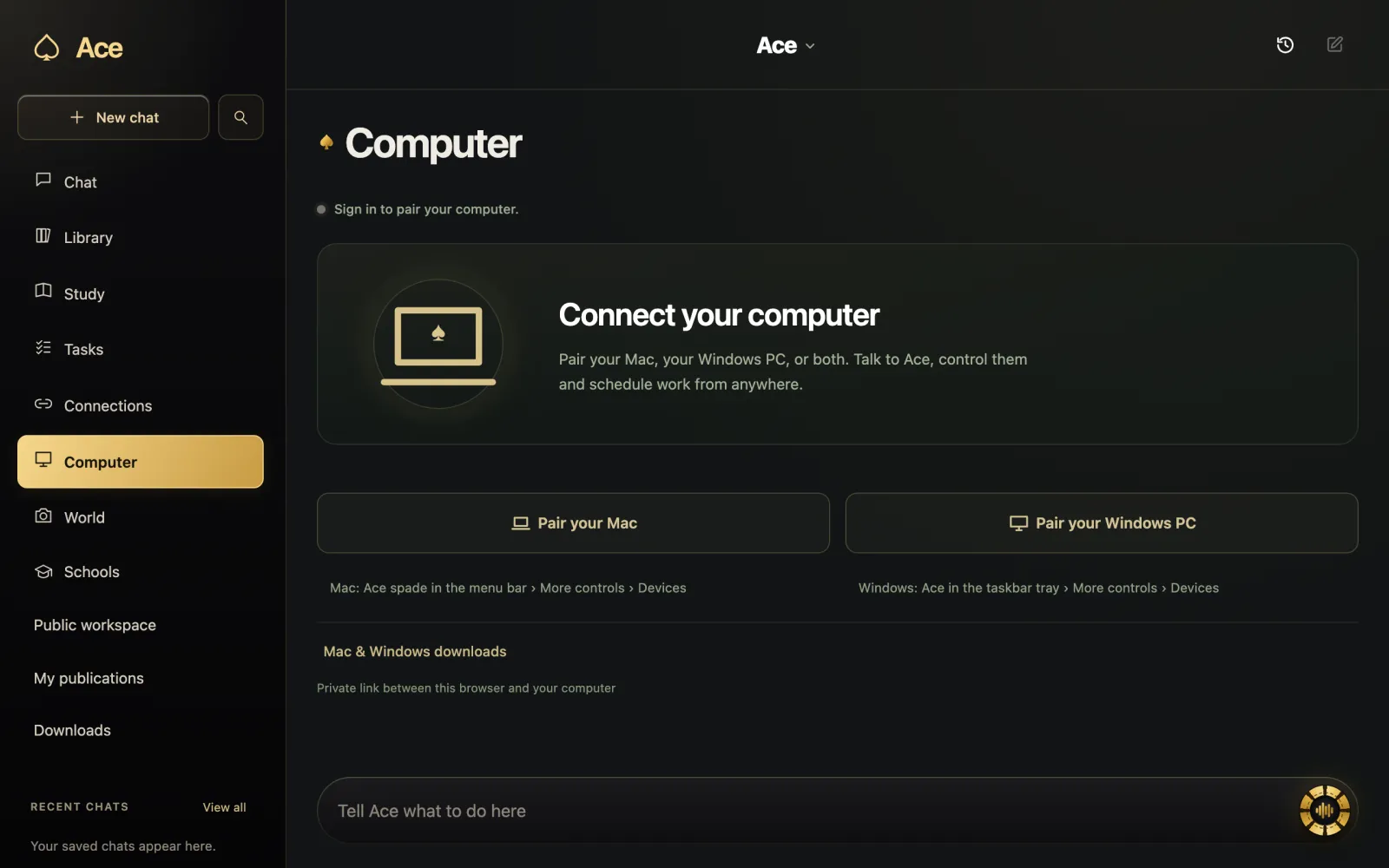
On a Mac
Choose the Apple menu, then System Settings, then Privacy & Security in the sidebar; you may need to scroll down to find it. Each permission has its own page, among them Microphone, Camera, Screen & System Audio Recording, Files & Folders, Accessibility, Input Monitoring and Automation. Click one and switch the app off. In lists such as Microphone and Camera, an app stays listed after you switch it off, because those lists show the apps that requested access; the switch shows whether that access is allowed.
On Windows
Open Start, Settings, Privacy & security, then Microphone or Camera. Microsoft Store apps have their own switches. Desktop apps share one, “Let desktop apps access your microphone” (or camera), so turning it off affects every desktop app, and Microsoft notes that some desktop apps might still reach the camera or microphone even then. On Windows 10 the same pages are under Settings, Privacy. For an app you no longer trust, uninstalling it is the dependable way to cut its access.
On iPhone and Android
iPhone
Open Settings, then Privacy & Security, then Camera or Microphone, and switch apps off. Websites are handled in Safari’s settings: Settings, Apps, Safari, then Camera or Microphone, each with Ask, Deny or Allow. A green indicator means an app is using the camera; an orange one means the microphone is in use without the camera.
Android
Open Settings, then Apps, choose the app, tap Permissions, and pick Allow only while using the app, Ask every time, or Don’t allow. To see every app holding one kind of permission, use the Permission manager under Security & Privacy, then Privacy. Chrome’s own Site settings control the camera and microphone for websites.
Linked accounts: the Google example
Go to your Google Account’s linked apps page, choose the app under access to your Google Account, select See details, then Remove access. Google notes that the app then cannot reach your account and some of its features may stop working. For Ace specifically, disconnecting a Google account inside Ace removes the stored connection and its tokens, and you can also revoke access from your Google Account settings. Disconnecting does not undo an email already sent, an event created or a spreadsheet change you approved earlier.
What revoking does not do
A switch stops future access. It does not recall what an app already sent or delete what a company already stored. For that, use the company’s deletion route: Ace takes access, correction and deletion requests at privacy@tryacee.com, may verify that the account is yours, and notes that some transaction, security or legal records may have to be kept. Cancel any subscription with whoever billed you, then uninstall the app.
Ace’s permissions in one place
- The microphone, the screen, files and app control follow your operating system’s permission prompts, and each can be turned off.
- Screen access is used only when you ask a question about the screen.
- On a phone, Ace Mobile’s camera access is a browser permission.
- Scheduled cards run on Ace’s server at the time you chose, using the apps you connected; turn a schedule off or delete it to stop it.
- Deleting your Ace account deletes your schedules within 7 days.
More from Ace
The full overview of how Ace handles privacy is on tryacee.com/private-ai.
Also asked
Does revoking a permission delete my data?
No. It stops new access. To remove data a company already holds, send a deletion request; for Ace, that is privacy@tryacee.com.
Why is the app still listed after I switched it off?
On a Mac, lists such as Microphone and Camera show the apps that asked for access, and the switch shows whether access is allowed, so an app can be listed and still blocked.
Will the AI app still work without these permissions?
The parts that need them stop. Without the microphone you type; without screen access it cannot answer about your screen; the rest carries on.
How do I remove Ace’s access to my Google account?
Disconnect it in Ace, which removes the stored connection and tokens, or remove access from your Google Account’s linked apps page.
How do I revoke an AI app’s screen recording access on a Mac?
Choose the Apple menu, then System Settings, then Privacy & Security in the sidebar; you may need to scroll down to find it. Open Screen & System Audio Recording and switch the app off. Privacy & Security also has its own pages for Microphone, Camera, Files & Folders, Accessibility, Input Monitoring and Automation.
What does Input Monitoring let an AI app do on a Mac?
It lets the app notice keyboard, mouse or trackpad input while you use other apps. It is fine to turn off when no feature you use relies on it. Find it under System Settings, Privacy & Security, Input Monitoring, and switch the app off there. Accessibility is different: it lets an app operate other apps for you.
How do I revoke an AI app’s microphone permission on Android?
Open Settings, then Apps, choose the app, tap Permissions, and pick Allow only while using the app, Ask every time, or Don’t allow. To see every app holding one kind of permission, use the Permission manager under Security & Privacy, then Privacy. For websites, Chrome’s own Site settings control the camera and microphone.
How do I block AI websites from my iPhone’s camera and microphone?
Use Safari’s settings: Settings, Apps, Safari, then Camera or Microphone, each with Ask, Deny or Allow. For installed apps, open Settings, then Privacy & Security, then Camera or Microphone, and switch apps off. A green indicator means an app is using the camera; an orange one means the microphone is in use without the camera.
Can I revoke an AI app’s access to my photos later?
Yes. You choose whether Ace gets microphone, camera, photos, contacts, calendar, reminders, notifications and location access, and you can change those permissions in your device settings. On a phone, Ace Mobile’s camera access is a browser permission. Revoking stops future access but does not recall a picture an app already sent.
How do I stop an Ace scheduled card that runs on its server?
Turn the schedule off or delete it. Scheduled cards run on Ace’s server at the time you chose, even when your phone is off, using the apps you connected, and some cards you choose can send email on your behalf. Deleting your Ace account deletes your schedules within 7 days.
How do I fully leave an AI app, not just switch off its permissions?
Revoke its permissions, ask the company to delete what it stored, cancel any subscription with whoever billed you, then uninstall the app. Ace takes access, correction and deletion requests at privacy@tryacee.com, may verify that the account is yours, and notes that some transaction, security or legal records may have to be kept.
Does disconnecting Google from Ace undo emails it already sent?
No. Disconnecting does not undo an email already sent, an event created or a spreadsheet change you approved earlier. It removes the stored connection and its tokens, and Google notes that when you remove access from your Google Account, the app cannot reach your account and some of its features may stop working.
More questions
Deal yourself in.
More about Ace
Sources
- Control access to hardware features on iPhone - Apple Support, Apple Support. Checked November 14, 2026.
- Change app permissions on your Android phone - Android Help, Google Android Help. Checked November 14, 2026.
- Manage links between your Google Account & apps from other developers - Google Account Help, Google Account Help. Checked November 14, 2026.