Can a private AI run offline?
Yes, if the model runs on your own computer. Once a local model is downloaded, apps built for that can answer without a connection, and what you type stays on the machine. Ace is not that kind of tool: its app runs on your computer, but the AI that writes each answer is hosted, so asking needs internet. Here is how the two approaches compare and how to choose.

Free Play: 2,000 credits, no card. Ace by Black Label.
Two meanings of “private AI”
One meaning is local: the model itself lives on your computer, so your questions never travel. The other is controlled: the model is hosted, but the assistant sends only what each request needs, names who receives it, and lets you limit and revoke access. Both are legitimate. They solve different problems, and only the first can answer with the network unplugged.
What running AI offline takes
- Model files, downloaded once while you are online. They are large, often several gigabytes each.
- Enough memory and processing power for the model you pick; larger models need more of both.
- Some setup: choosing a model, keeping the app and the models updated, learning their limits.
- Realistic expectations: a model small enough for a laptop is generally less capable than the largest hosted ones, and it knows nothing newer than its training.
Examples of apps that run models locally
LM Studio’s documentation says it can operate entirely offline once you have model files, that nothing you enter when chatting with a downloaded model leaves your machine, and that searching for and downloading models needs a connection. Ollama describes itself as a way to run open models locally, and it also offers models in the cloud, so check which kind you are using. This guide is written by the team that makes Ace; read each project’s own pages for current details.
What Ace does instead
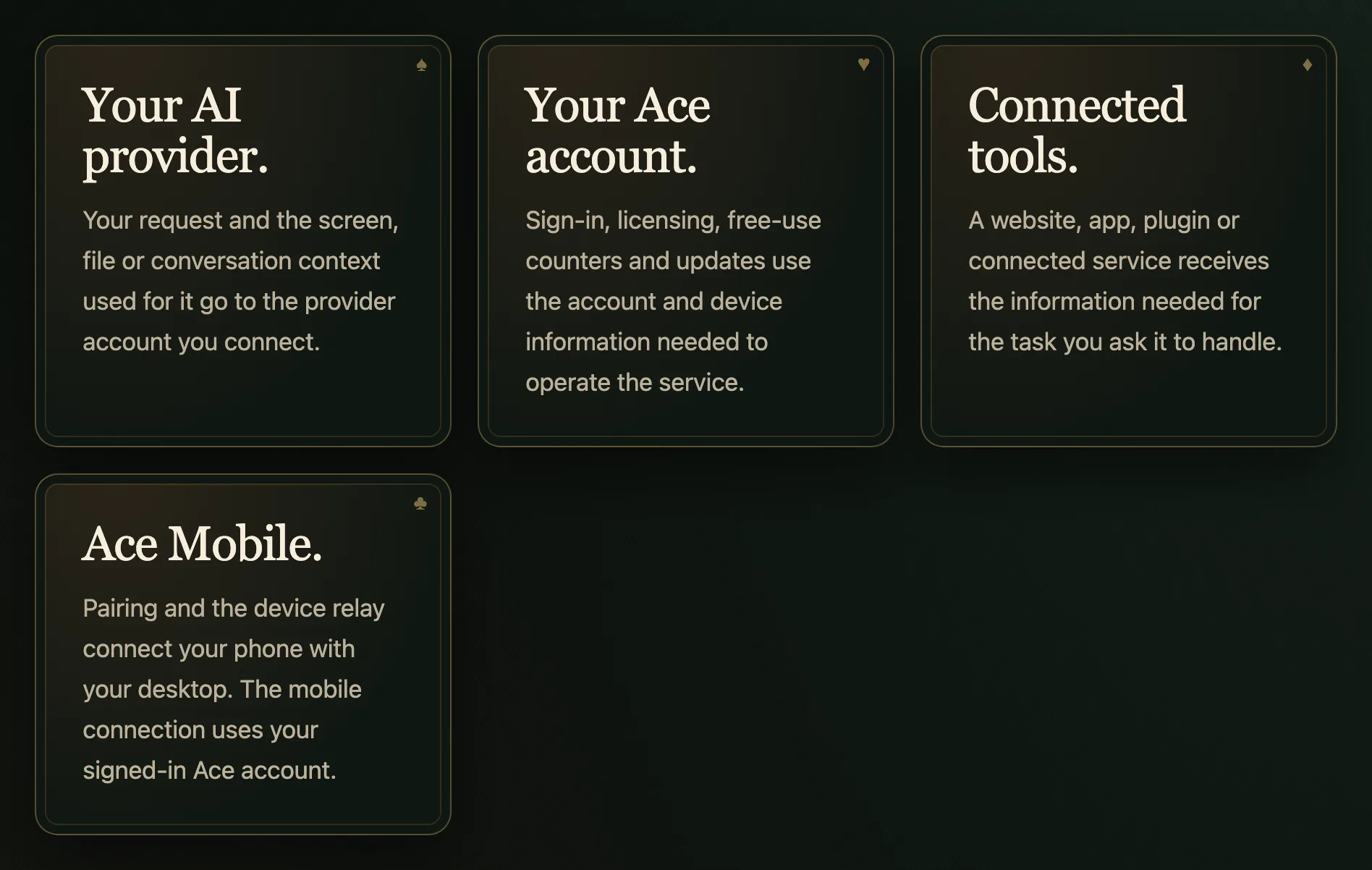
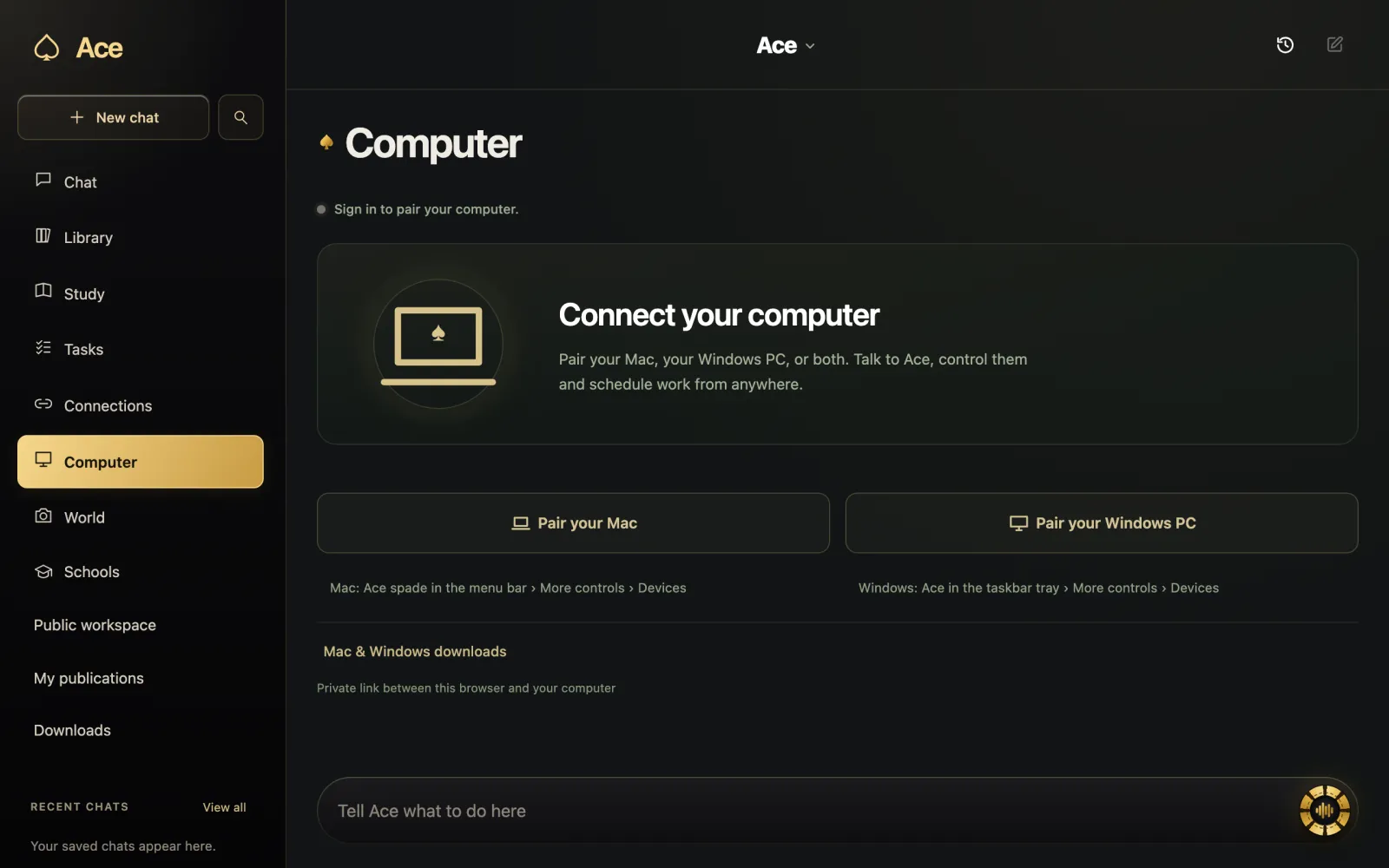
Ace runs on your Mac, Windows PC or Linux computer, and your files, recordings and work results are handled there. The answers come from a hosted AI: Ace’s own, for which the privacy policy names OpenAI as the processor of chat messages, voice audio and pictures, or your own ChatGPT, Claude or Grok subscription on Table Pass or Private Table. Each request carries your question and the context used for it, so asking needs an internet connection; without one, Ace cannot answer.
What “hosted” means for your data
A hosted answer is written on someone else’s servers. Your question and its context travel there over the internet, the model produces the reply, and the reply comes back. Two sets of rules then apply: the app maker’s privacy policy and the AI provider’s own processing and retention terms, which Ace’s policy says also apply. That is not a reason to avoid hosted AI. It is a reason to read who the provider is, and to send each request only what it needs.
Choosing between them
| If you need | Better fit |
|---|---|
| Nothing may leave the device, by rule or by contract | A local model |
| Help with your screen, spoken answers, your phone | A hosted assistant |
| Occasional very sensitive documents | A local model for those, a hosted assistant for the rest |
| The strongest answers on an ordinary laptop | A hosted assistant |
| Use on a plane or with no signal | A local model |
A middle path: on-device first, cloud when needed
Some systems mix the two. Apple says many Apple Intelligence tasks run entirely on the device, and that heavier requests can go to Private Cloud Compute, where the data is processed only to fulfill the request and is not stored or made accessible to Apple. On a Mac, Apple points to a report under System Settings, Privacy & Security, Apple Intelligence Report, which logs the requests sent off the device.
Using a hosted assistant with less exposure
- Send the excerpt, not the file: select only the lines you need help with.
- Keep screen access off until a question needs it.
- Remove names, account numbers and addresses that the question does not need.
- Disconnect connected accounts when a task is finished.
More from Ace
The full overview of how Ace handles privacy is on tryacee.com/private-ai.
Also asked
Does Ace have an offline mode?
No. The app runs on your computer, but every answer comes from a hosted AI or your own subscription, so asking needs an internet connection.
Is a local model always more private?
For the content of your questions, yes, because the model does not send them anywhere. The app around it may still check for updates or download models, so read its settings.
What computer do I need for a local model?
It depends on the model: larger models need more memory and a faster processor. Start with a small one and check the app’s own requirements.
Can I use both?
Yes. Keep a local model for documents that must stay on the device, and use a hosted assistant for everyday questions.
How big are the model files an offline AI assistant needs?
Large, often several gigabytes each. Model files are downloaded once while you are online, and you need enough memory and processing power for the model you pick; larger models need more of both. Once a local model is downloaded, apps built for that can answer without a connection, and what you type stays on the machine.
What do I give up by running AI offline instead of hosted?
You give up some capability and freshness. A model small enough for a laptop is generally less capable than the largest hosted ones, and it knows nothing newer than its training. You also supply the computing power, download the models, and keep the app and the models updated, which takes some setup and learning their limits.
Does LM Studio keep my chats on my computer?
Its documentation says so for downloaded models. LM Studio says it can operate entirely offline once you have model files, and that nothing you enter when chatting with a downloaded model leaves your machine. Searching for and downloading models still needs a connection. Read each project’s own pages for current details.
Does Ollama run AI models offline or in the cloud?
Both. Ollama describes itself as a way to run open models locally, and it also offers models in the cloud, so check which kind of model you are using. Read each project’s own pages for current details.
Can I see which Apple Intelligence requests leave my Mac?
Yes. On a Mac, Apple points to a report under System Settings, Privacy & Security, Apple Intelligence Report, which logs the requests sent off the device. Apple says many Apple Intelligence tasks run entirely on the device, and that heavier requests can go to Private Cloud Compute, where the data is not stored or made accessible to Apple.
Which private AI works on a plane with no signal?
A local model. Only a model on your own computer can answer with the network unplugged. A hosted assistant such as Ace needs an internet connection for every request, and without one it cannot answer. For help with your screen, spoken answers or your phone, a hosted assistant is the better fit once you are back online.
What happens to my question when a hosted AI answers it?
It travels to someone else’s servers. Your question and its context go there over the internet, the model produces the reply, and the reply comes back. Two sets of rules then apply: the app maker’s privacy policy and the AI provider’s own processing and retention terms, which Ace’s policy says also apply.
How do I limit what a hosted assistant receives if I can’t run AI offline?
Send the excerpt, not the file: select only the lines you need help with. Keep screen access off until a question needs it, remove names, account numbers and addresses that the question does not need, and disconnect connected accounts when a task is finished. Each request then carries less of your material to the provider.
More questions
Deal yourself in.
More about Ace
Sources
- Offline Operation | LM Studio, LM Studio. Checked November 14, 2026.
- Ollama documentation - Ollama, Ollama. Checked November 14, 2026.
- Apple Intelligence and privacy on Mac - Apple Support, Apple Support. Checked November 14, 2026.